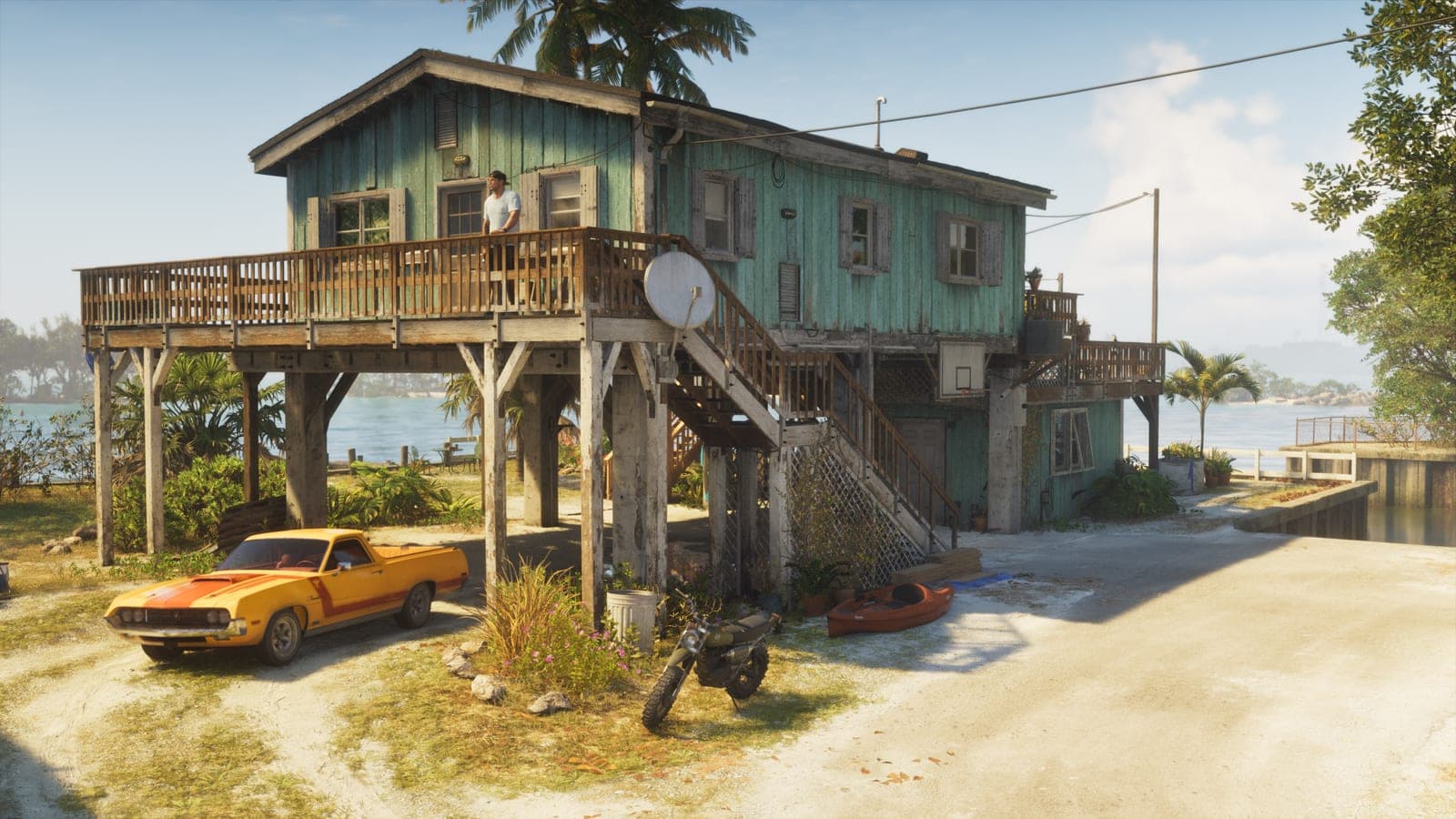
Short answer: there’s no first-person mode in GTA 6 (what Rockstar said). The game gives you a first-person view in a few situations, and a glitch found on launch day keeps the camera in first person everywhere until you reload. The glitch isn’t an official feature: Rockstar may patch it out, and it’s still working as of November 21.
How to play GTA 6 in first person: the official views and the camera glitch
GTA 6 has no first-person mode, but you can see through Jason’s or Lucia’s eyes in a few situations, and players found a glitch that locks the camera in first person on PS5 and Xbox. Here are both, step by step, and the catch.
Seen in footagevisible in official footage, but Rockstar hasn’t said anything about it
GTA 6 Hub Editorial Team, checked
Add to favorites- Type
- How-to
- Time
- about 3 min
- Steps
- 5
- Difficulty
- Easy
- Platforms
- PlayStation 5, Xbox Series X|S
- Game version
- 1.0
- Spoilers
- No spoilers
What you’ll need
- A car you can get into as the driver
- A recent save: the only way back to third person is to reload
Completed 0 of 5 steps
Checkmarks are saved in this browser. Sign in to keep new checkmarks on all your devices.
Step 1. The first-person views the game allows
Standing still, hold L2 (PlayStation)LT (Xbox)— (PC) and click R3 (PlayStation)Right Stick (Xbox)— (PC) to look through your character’s eyes; you can’t walk this way. In a car, press ↑ (PlayStation)↑ (Xbox)— (PC) on the D-pad to take out the phone: while it’s out, you drive in first person. With a scoped weapon, aim and click R3 (PlayStation)Right Stick (Xbox)— (PC). A scope can be added to a gun at any Ammu-Nation counter.
Step 2. Glitch, step 1: change the touchpad button
Open Settings, then Controller, and find Touch Pad Button. Change it from Map to Camera, so the button switches the camera view instead of opening the map.
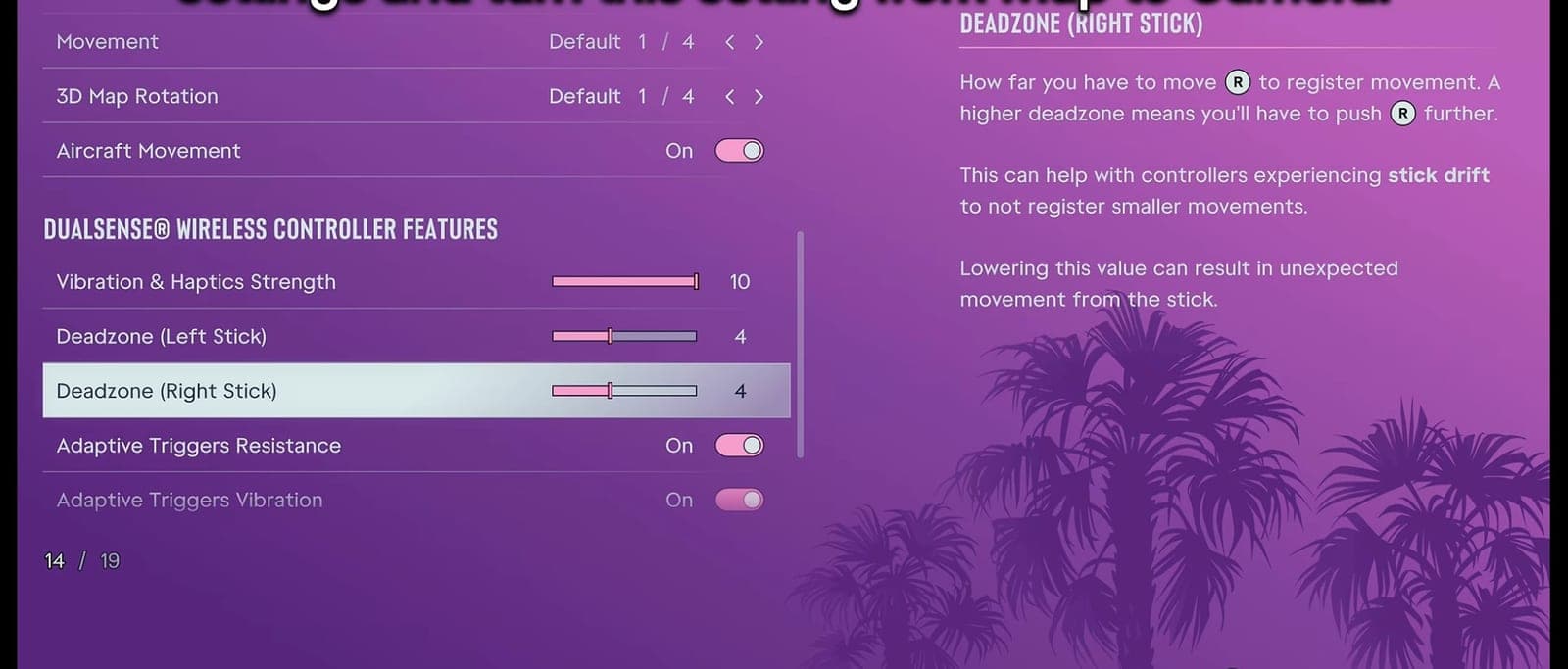
The controller settings menu of GTA 6 on PS5 · oneboyler · YouTube Step 3. Glitch, step 2: phone in the driver’s seat
Get into any car as the driver and take out the phone with ↑ (PlayStation)↑ (Xbox)— (PC) on the D-pad. The view switches to first person.
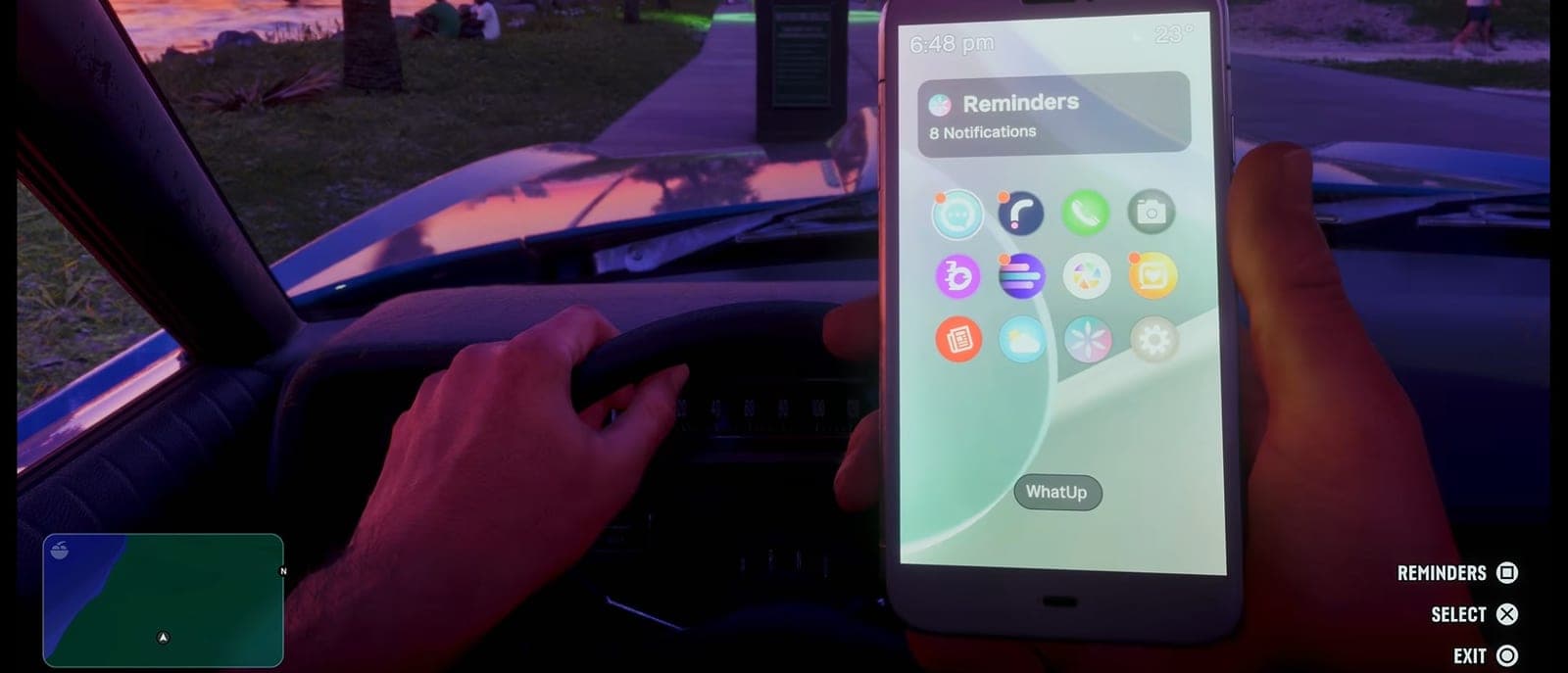
First-person view from the driver’s seat with the phone out · oneboyler · YouTube Step 4. Glitch, step 3: put the phone away and spam the button
Put the phone away with Circle (PlayStation)B (Xbox)— (PC) and immediately press the camera button over and over: the touchpad on PS5, the View button on Xbox. If it worked, the camera stays in first person after the phone is gone. It usually takes a few tries.
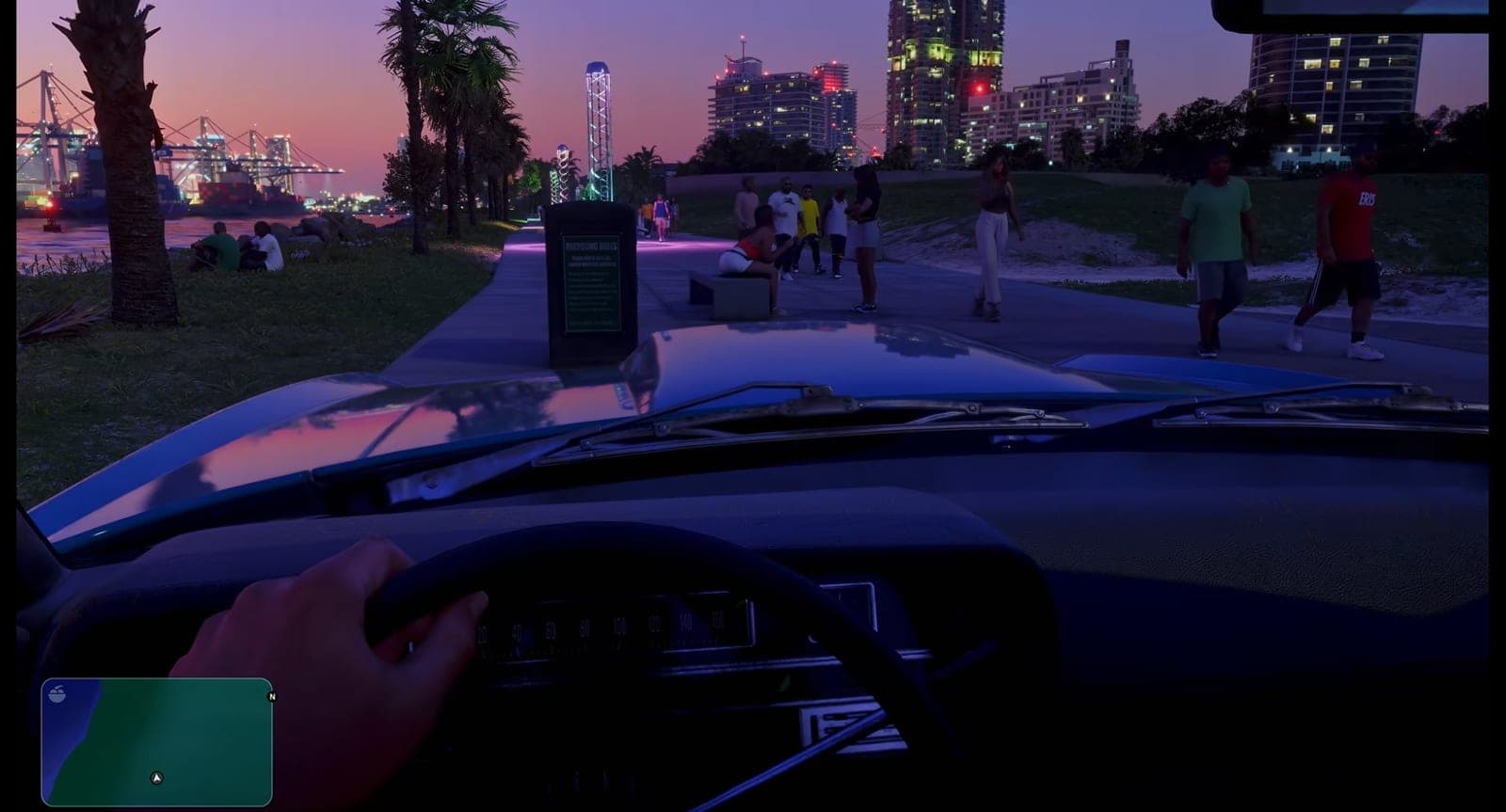
Driving in first person after the glitch, hands on the steering wheel · oneboyler · YouTube Step 5. Playing in first person, and how to get out
Now you can get out of the car, walk around and shoot in first person: the weapon animations are already in the game. The catch is that there’s no switch back. To return to third person, load a save (how saving works).
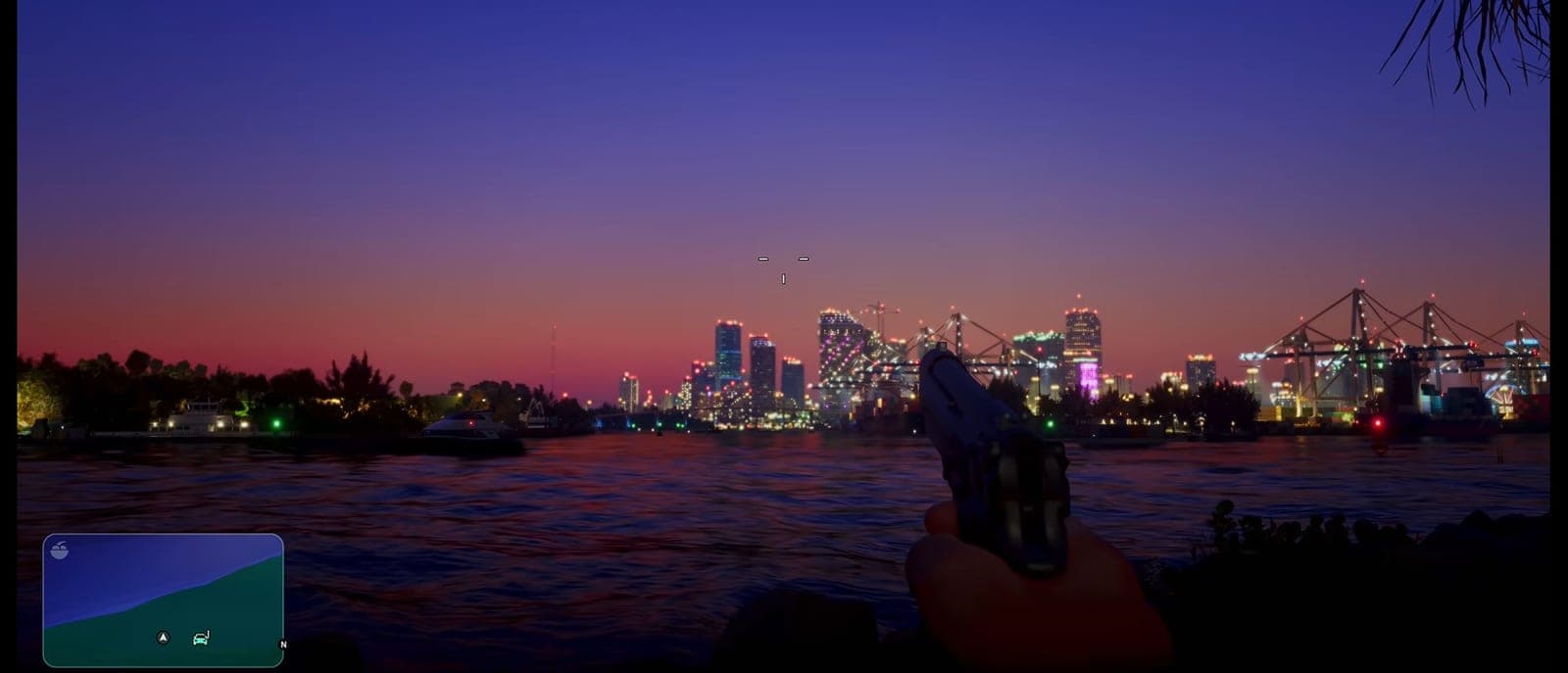
On foot in first person, aiming a pistol at the Vice City skyline at dusk · oneboyler · YouTube
Tips
- Save before trying the glitch, since reloading is the only way back.
- Set the touchpad back to Map afterwards if you use it to open the map.
Frequently asked questions
Is there a first-person mode in GTA 6?
No. The game uses first person only in a few situations, such as with the phone out in a car or aiming a scoped weapon. A camera glitch can lock first person until you reload.
Does the GTA 6 first-person glitch work on Xbox?
Yes. Put the phone away with B and immediately press the View button repeatedly, after changing the touchpad setting to Camera.
How do you turn first person off after the glitch?
There’s no switch back. Load a save to return to third person.