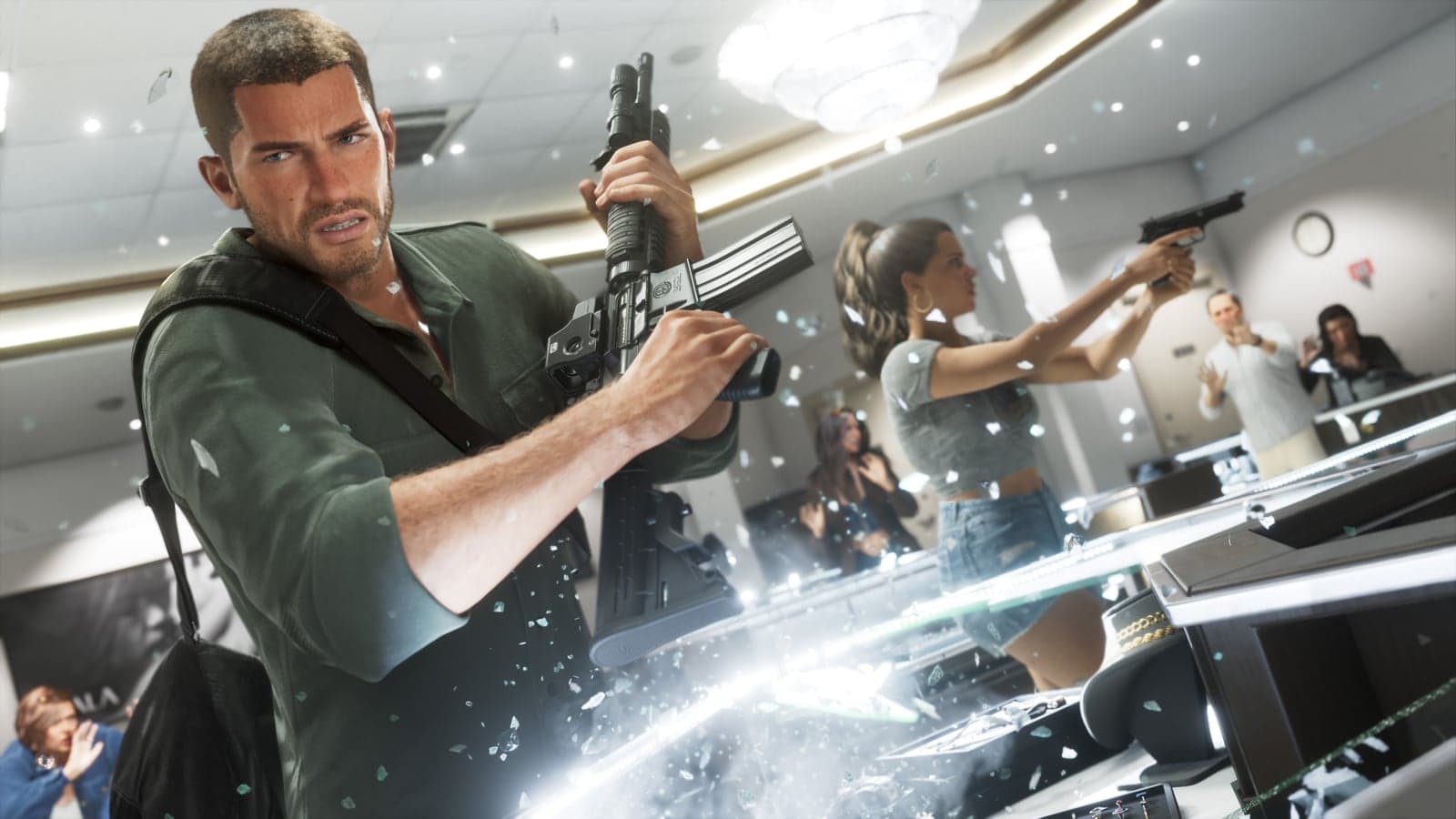
GTA 6 is made for adults. Every ratings board that has assessed it so far puts it at 17 or 18 and up, for the same reasons as GTA 5: violence, drugs, sex and strong language. If you’re deciding whether your child can play, here’s what the ratings say, what they leave out, and how to enforce your decision on PlayStation and Xbox.
GTA 6 age ratings
- United States: ESRB M for Mature 17+, with seven content descriptors, the same as GTA 5.
- Europe and the UK: PEGI 18 for drugs, sexual content, extreme violence and nudity.
- Australia: R18+ for drug use, high impact violence and sex scenes.
- Germany: USK 18, no youth rating. Japan: CERO Z, not sold to under-18s.
What’s in the game
The ESRB lists Blood and Gore, Intense Violence, Mature Humor, Nudity, Strong Language, Strong Sexual Content and Use of Drugs and Alcohol. The PEGI description, briefly online in October, said violence is bloody and realistic, some weapons can dismember, and drugs can be taken straight from the inventory. Like every GTA, the game is a satire, but the satire works by showing crime in detail. All the details are in our age rating breakdown.
What the ratings don’t cover
- Strangers: at launch GTA 6 is a single-player game, and the ESRB page has no Users Interact notice. Rockstar hasn’t announced an online mode yet (what we know).
- Spending: the ESRB notes In-Game Purchases. At launch that most likely means the Ultimate Edition Upgrade, but it’s still a way to spend money from the console (editions).
- Videos and streams: trailers, YouTube clips and streams carry no rating at all. A child can see most of the game without owning it.
How to block GTA 6 on PS5
- Create a family in Family Management on the PlayStation website or in the PlayStation Family app, and add your child’s account.
- Pick a preset restriction level (Child, Early Teens, Late Teens or Older) or set the age limit for games yourself, below 17 if you want GTA 6 blocked.
- Keep the monthly spending limit at 0, the default, or set a sum. Purchases come from the family manager’s wallet.
- If your child tries to start a blocked game, you get a request you can approve or decline in the app.
The full instructions are on PlayStation Support. The controls belong to the account, so they apply on every console your child signs in to.
How to block GTA 6 on Xbox
Use the Xbox Family Settings app or the family settings on the console (Profile & system, then Settings, Account, Family settings). For the child’s account, set content filters to an age, and games rated above it will be blocked; you can grant an exception for a single game. When an adult and a child are signed in together, the child’s limits apply (Xbox Support).
If you decide to say yes
That’s a family decision. Watching the trailers together first is the easiest way to judge, since they show the tone honestly. Keep the spending limit on either way.
Confirmed and unconfirmed7
- OfficialThe ESRB rated GTA 6 M for Mature 17+
- OfficialIn Europe GTA 6 is rated PEGI 18
- OfficialIn Australia GTA 6 is rated R18+, with sex scenes among the reasons
- OfficialGermany’s USK rated GTA 6 18, with no youth rating
- OfficialJapan’s CERO rated GTA 6 Z, for ages 18 and up
- Reliable sourceDrugs can be used straight from the inventory
- OfficialRockstar calls GTA 6 a single-player game
Sources
- Grand Theft Auto VI: the ESRB ratingESRB · October 1, 2026 · The ESRB rating and descriptors
- PlayStation Support: parental controls and spending limitsPlayStation · Parental controls on PlayStation
- Xbox Support: manage a child’s content in the Family Settings appXbox · Content filters on Xbox
Checked against sources on